


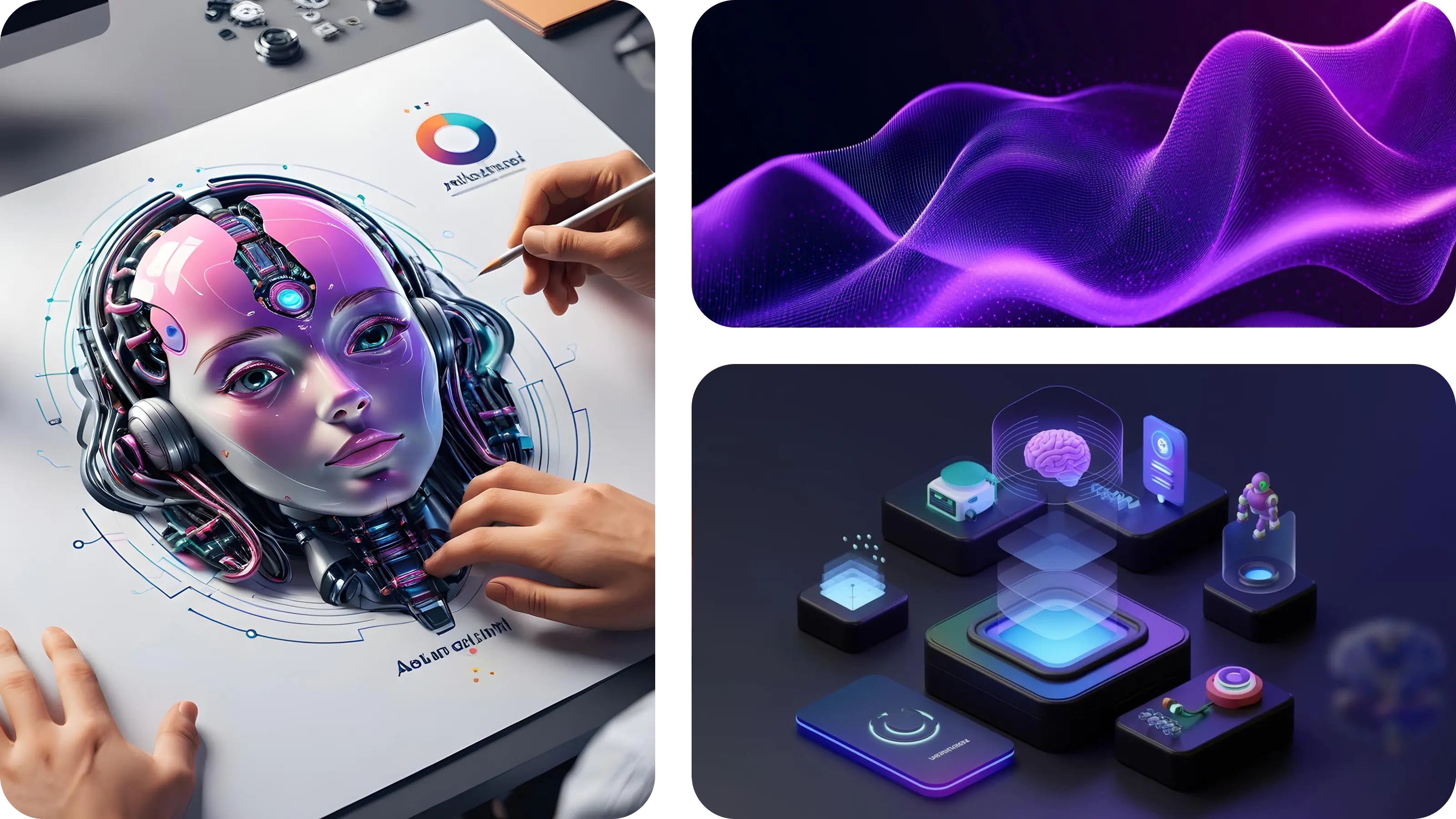
How AI is Transforming the Way We Design Digital Experiences
AI is no longer just a buzzword in design, it’s becoming a powerful part of the UI/UX workflow. Instead of replacing designers, AI is helping them move faster, explore more ideas, and make better design decisions. The value is not in doing the work for us, but in freeing time for creativity, empathy, and problem solving.
Think of AI as an assistant that handles the repetitive, time consuming parts of the process, generating wireframes, analyzing user patterns, suggesting color palettes, while designers focus on strategy, storytelling, and crafting experiences that feel human.
Top 5 AI Tools for UI/UX Designers
1. Figma AI
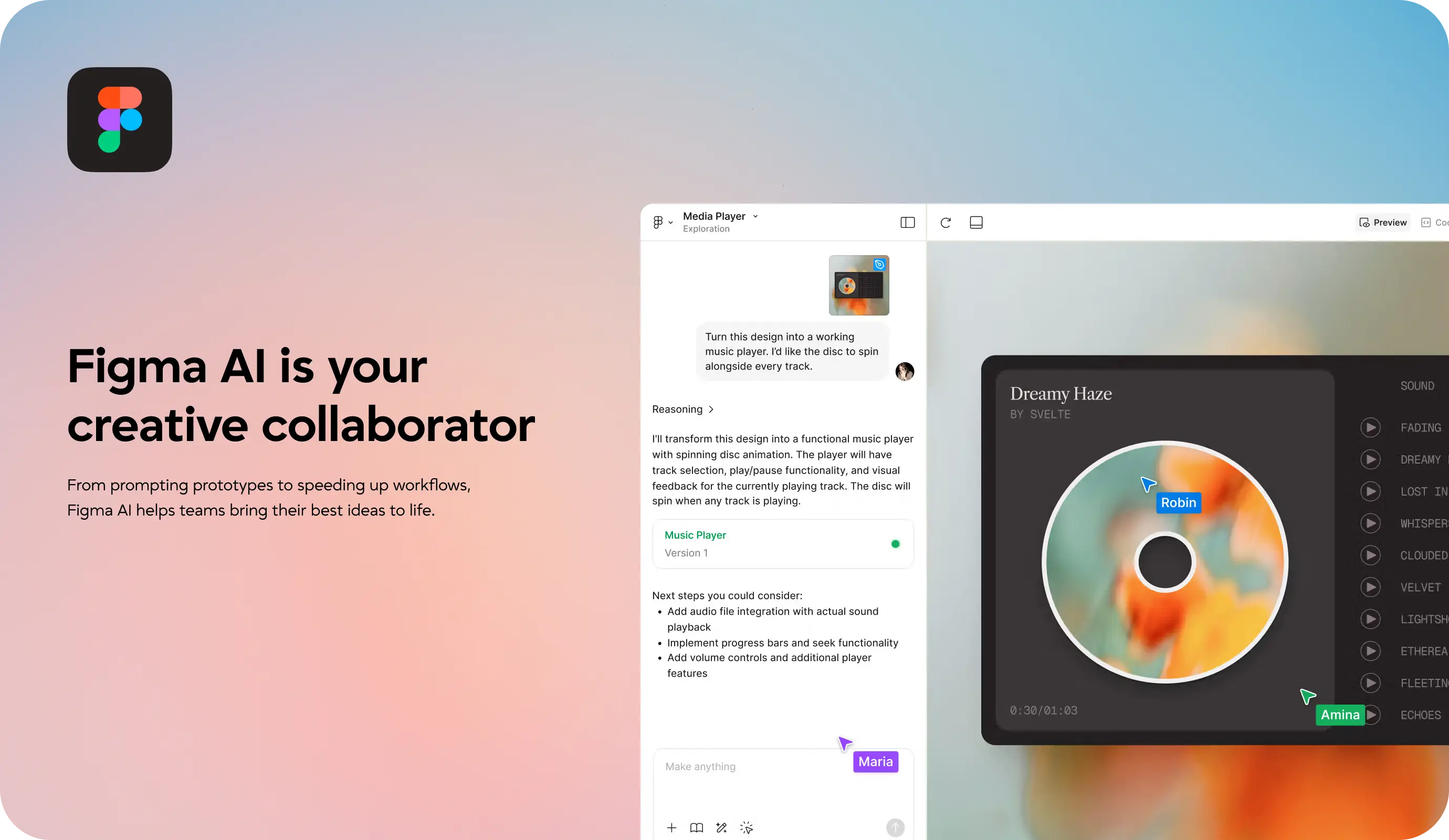
Figma has become the central hub for UI/UX teams worldwide, and now its AI integration makes it even more powerful. With Figma AI, you can generate layouts, refine wireframes, auto-fill text, and even adjust component properties with a simple text prompt.
For example, typing “Create a three-column pricing table with call-to-action buttons” instantly gives you a ready-to-edit layout. You can then tweak and refine it, instead of starting from scratch.
🔗 Explore: https://www.figma.com/ai
Why it’s useful
- Saves hours on repetitive tasks like wireframing or content filling.
- Speeds up iterations so designers can test multiple versions quickly.
- Keeps teams focused on the bigger picture: user experience and storytelling.
2. Uizard
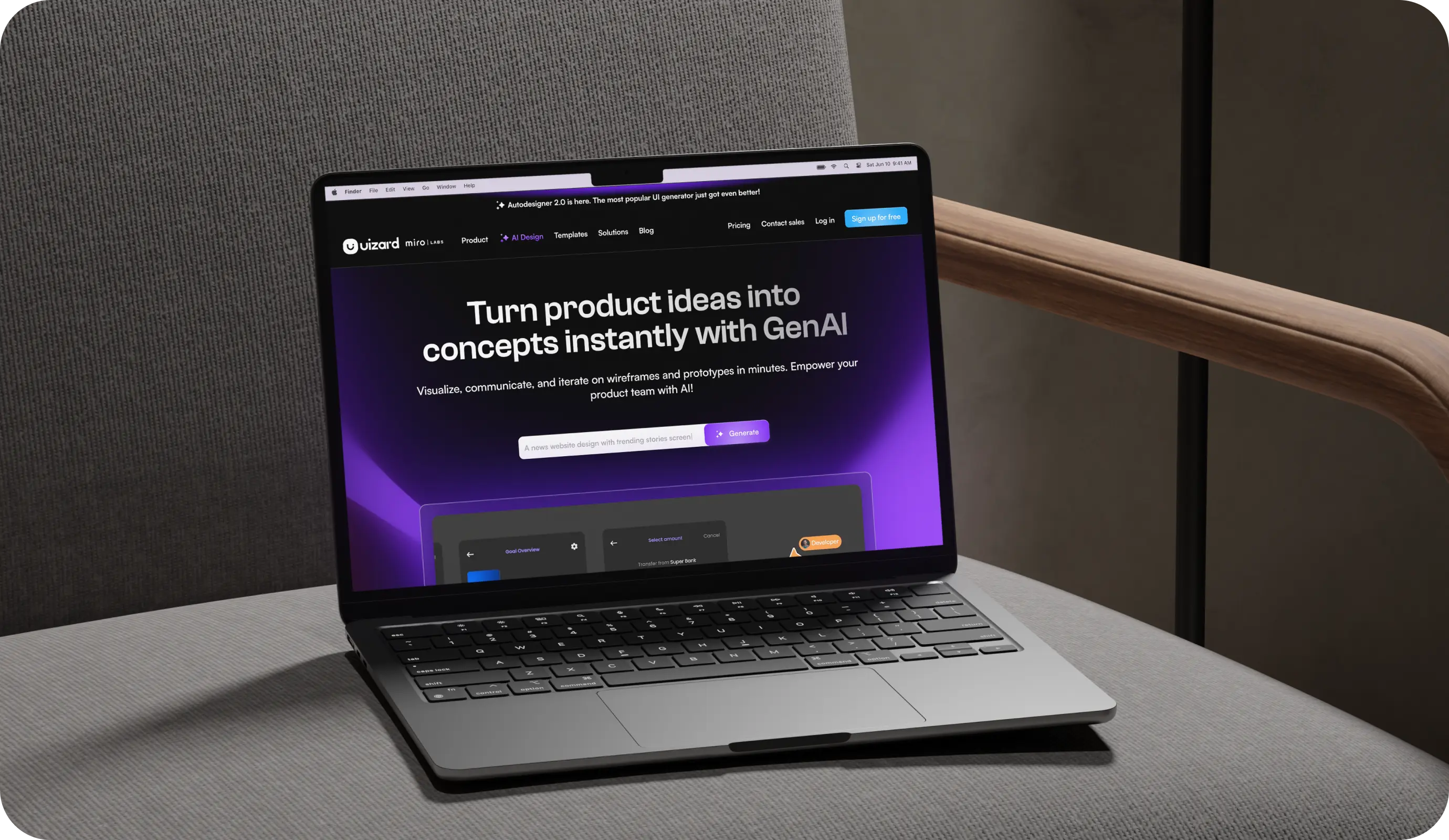
Uizard focuses on speed and accessibility in prototyping. Its AI converts hand-drawn sketches, screenshots, or rough ideas into editable wireframes and clickable prototypes. Imagine drawing a quick login screen on paper, snapping a photo, and instantly having a usable wireframe you can test.
This makes it ideal for workshops, hackathons, or MVP design sprints where you need to move from idea to prototype in record time.
🔗 Check out: https://uizard.io
Why it’s useful
- Great for rapid ideation and MVPs.
- Bridges the gap between brainstorming and real prototypes.
- Makes design more collaborative and inclusive, even for non-designers.
3. Khroma
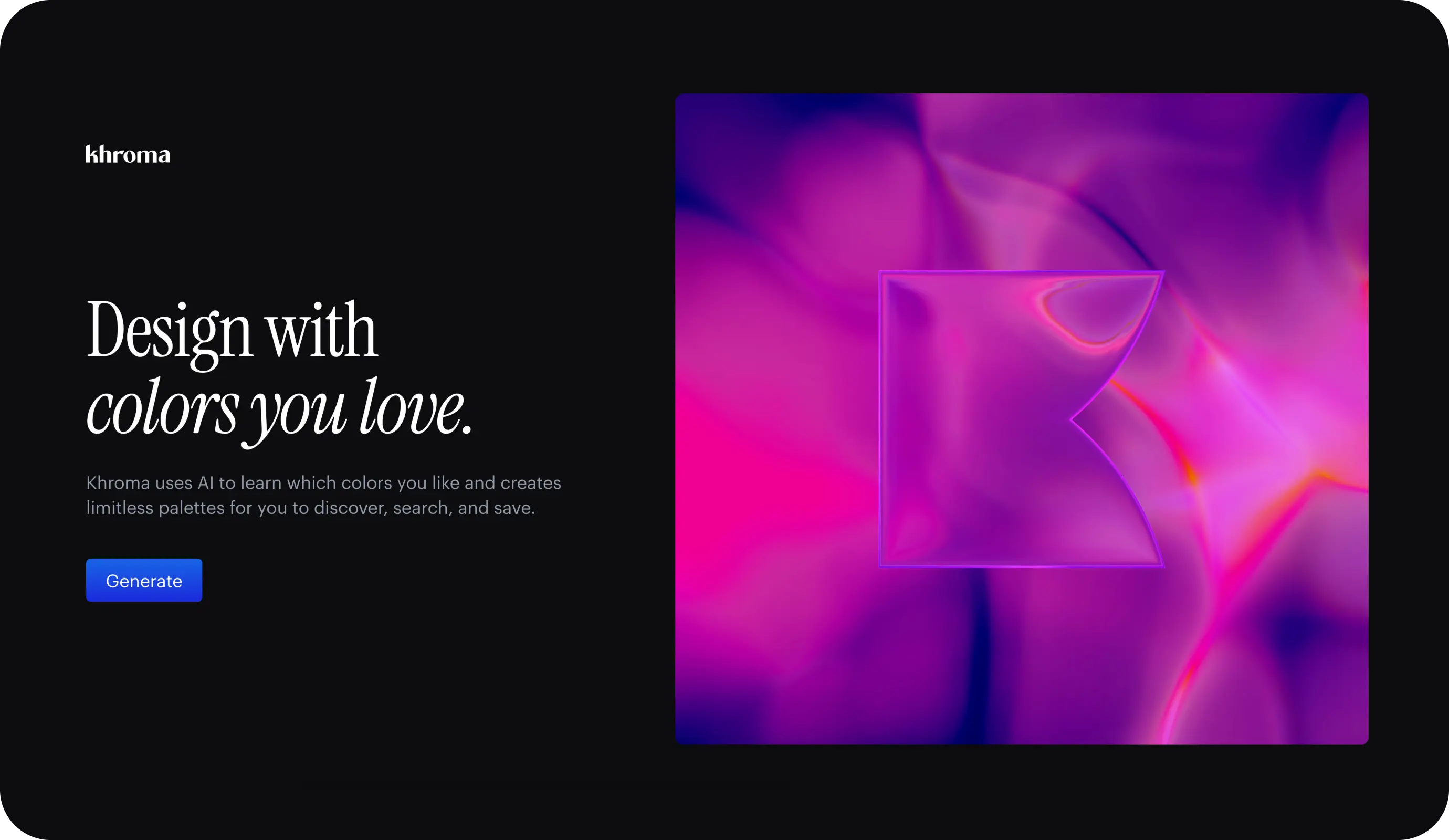
Choosing the right color palette is one of the most fundamental but time-consuming parts of UI design. Khroma uses AI to learn your color preferences and then generates endless palettes, gradients, and combinations that align with your taste.
For example, if you lean toward muted tones or vibrant contrasts, Khroma adapts and suggests palettes that feel natural to your design language.
🔗 Visit: https://khroma.co
Why it’s useful
- Saves time during the exploration phase.
- Helps maintain brand consistency across projects.
- Sparks new creative color directions without endless manual tweaking.
4. Attention Insight
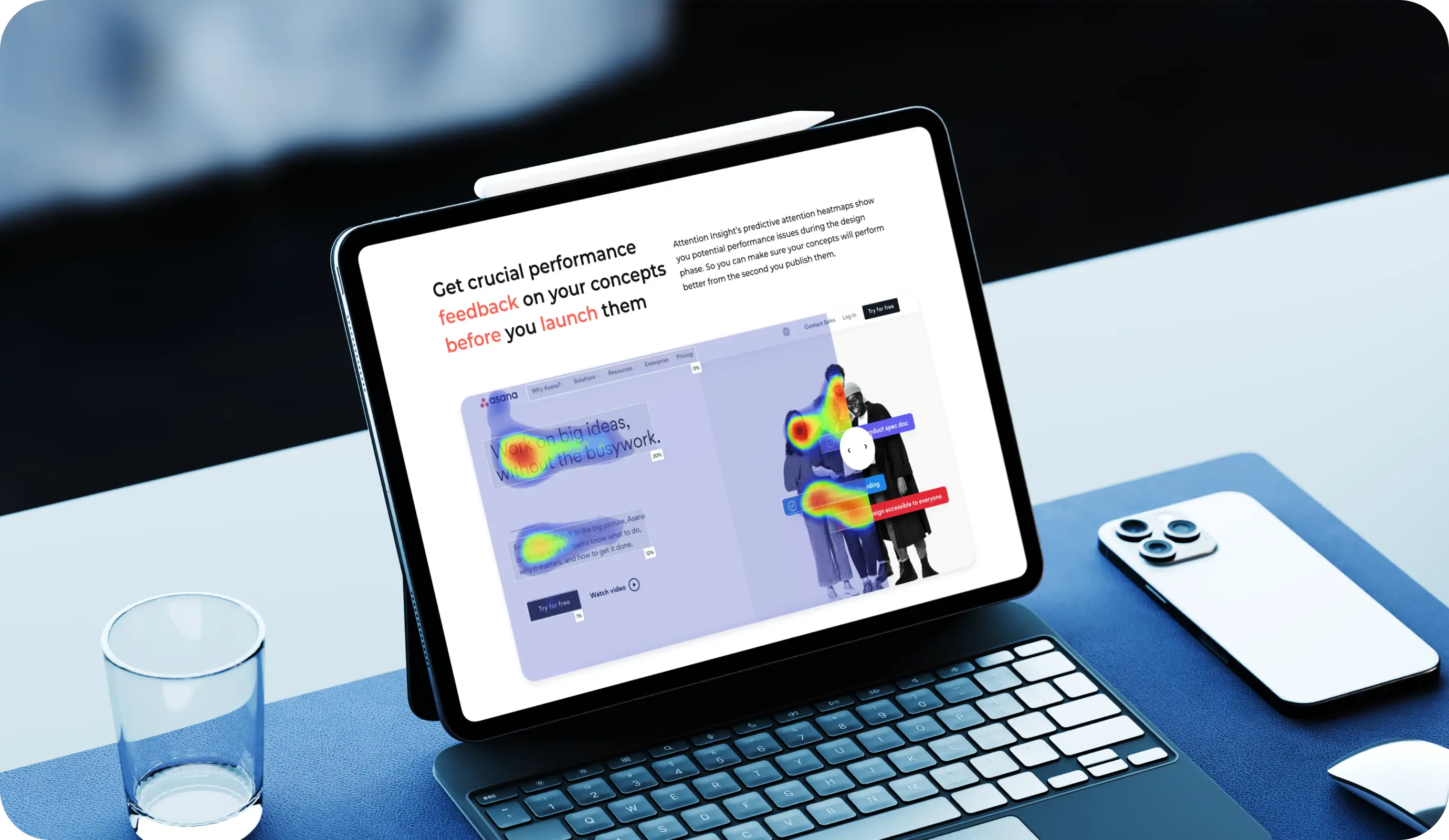
Design validation can be time consuming, especially before user testing begins. Attention Insight solves this with predictive AI heatmaps. These heatmaps show you where users are most likely to focus their attention on a screen, such as a call to action button, navigation bar, or key product detail.
Instead of waiting for real-world data, you get quick insights into visual hierarchy and usability. This means fewer redesigns and faster decision-making.
🔗 Learn more: https://attentioninsight.com
Why it’s useful
- Validates layout decisions early.
- Improves usability without expensive testing.
- Reduces guesswork and redesign costs.
5. Google Stitch
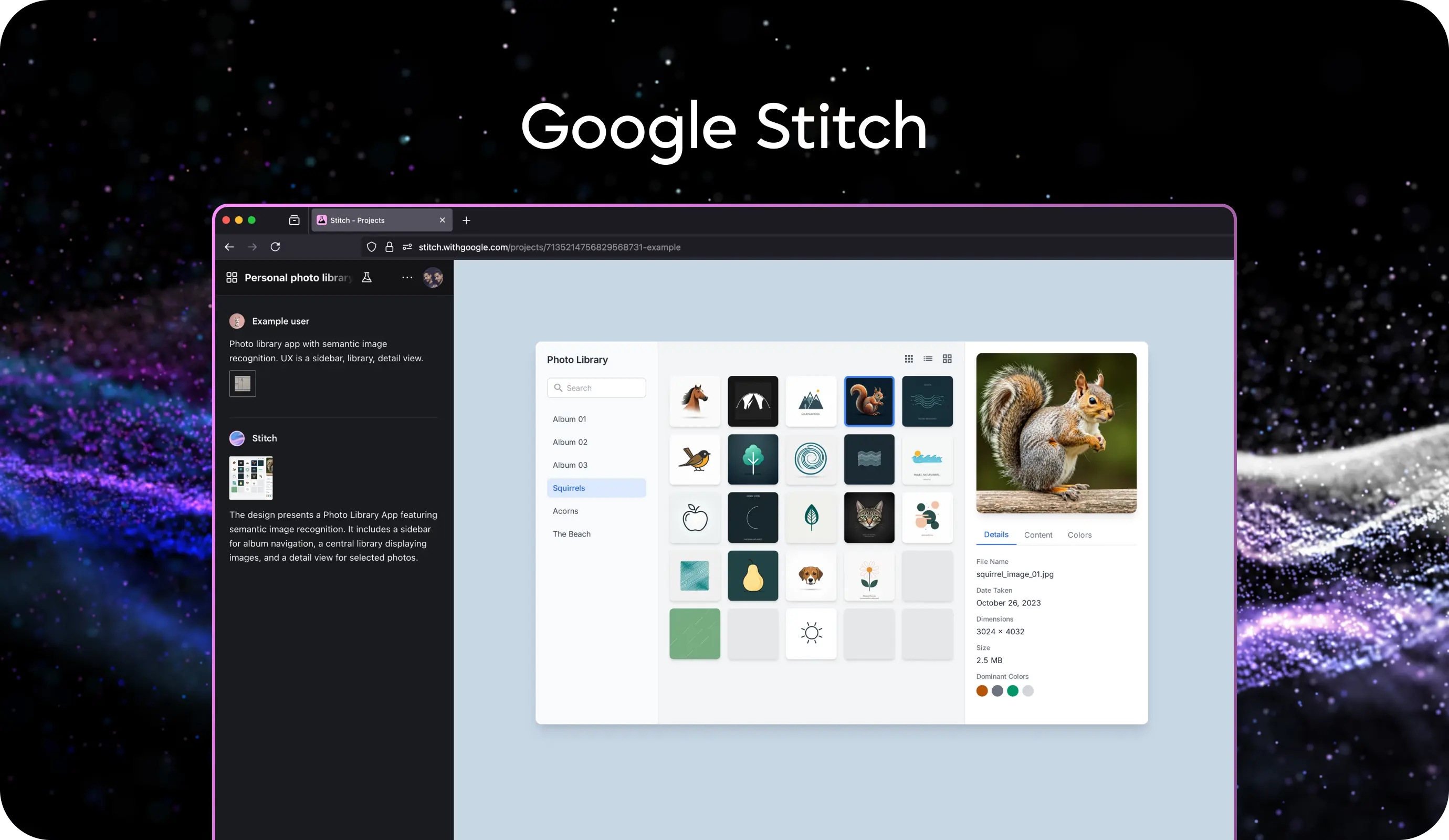
An experimental Gemini powered UI tool from Google Labs that converts text or image inputs into functional UI designs and front end code, instantly bridging design and development. Stitch supports both standard text to UI workflows and experimental image to UI generation, along with Figma integration and HTML/CSS export.
🔗 Try Stitch: stitch.withgoogle.com
Why it’s useful
- You can go from prompt or sketch to usable UI in under minutes.
- It generates multiple visual variants to explore different styles.
- Great for bridging the gap between ideation, design, and implementation.
The Impact of These Tools
- Rapid Concepting: Turn ideas into wireframes or layouts instantly, skipping the slow blank-canvas phase.
- Built-In Inspiration: AI suggests starting points and variations, helping you explore directions faster.
- Early Visual Polish: Generate high-fidelity mockups early so concepts look more realistic for testing or presentations.
- Smooth Handoff: Export clean HTML/CSS or editable Figma files, reducing gaps between design and dev.
- Fast Validation: Predict user focus and catch usability issues before costly real-world testing.
Conclusion
At Artocea, we see AI not as a replacement for design, but as a catalyst that helps us push boundaries. These tools allow us to spend less time on repetitive tasks and more time on what truly matters - understanding people, telling stories, and crafting experiences that feel human.
By combining our design expertise with the power of AI, we create digital products that are not only efficient and future-ready but also meaningful and memorable. For us, the future of UI/UX is clear: it’s about designers and AI working together to shape smarter, more human-centered experiences.
💡 Looking to integrate AI-powered design into your product? 📩 Drop us a line →
DESIGN STORIES
At Artocea, every project goes beyond visuals, becoming a story shaped through design. We craft experiences that truly connect, whether it’s an app, a brand, or an animation.
Our creative team blends clarity, detail, and personality to craft work that stands out and leaves a lasting impression.